
A Divider Block is a simple way to add white space or indicate a break between text or other sections of content.
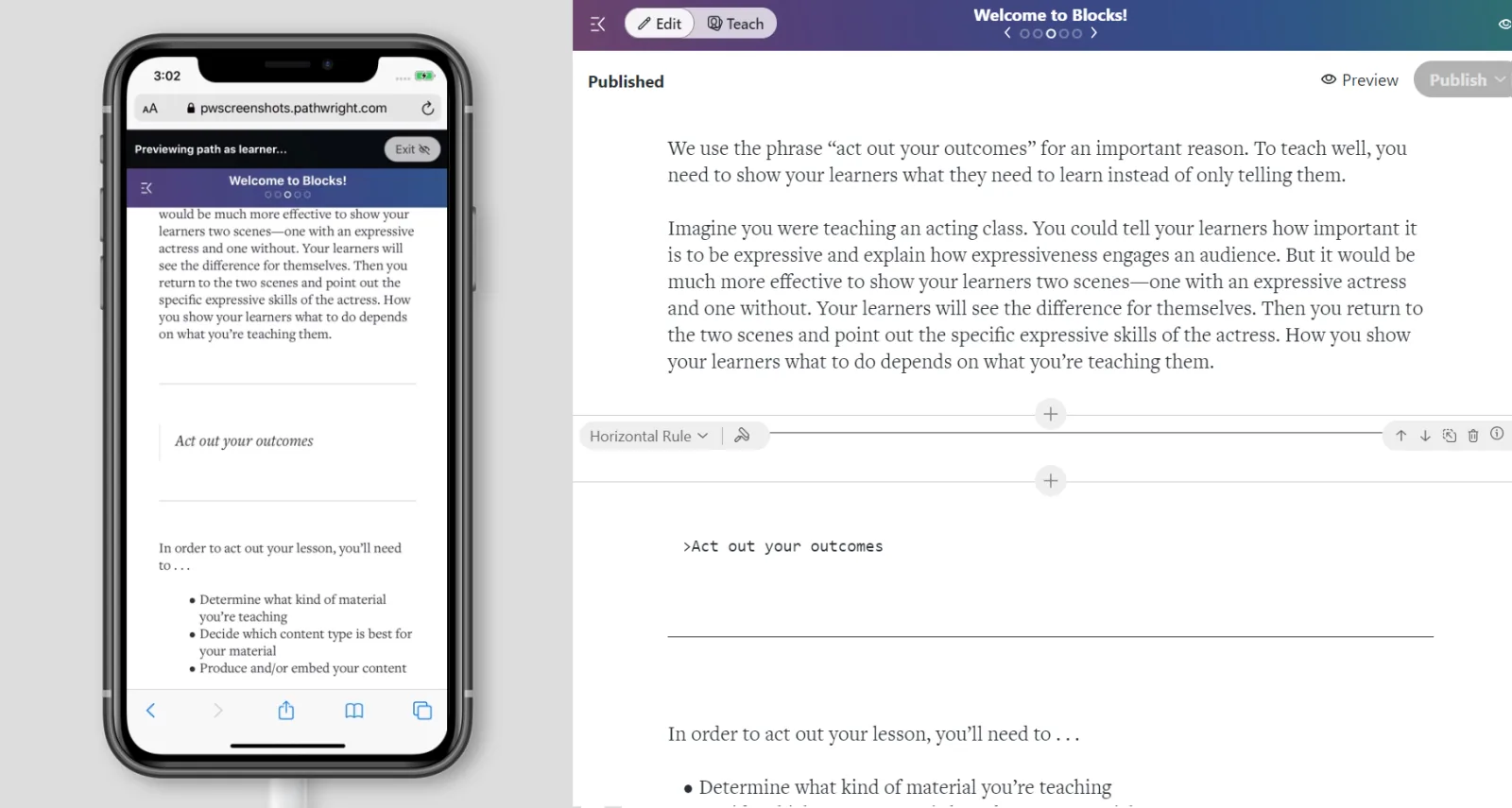
Sample Divider Block: learner preview mode on the left and edit mode on the right
- Create a new step on your course Path and open the step.
- Select "Divider" then choose one divider format. You've added a Block to your step!
- Optionally add more Blocks. When finished, hit Save.
There are three interchangeable styles...
- Horizontal Rule - rule style matches the one found in the Title Block and Quote Blocks
- Dots - three dots, an ellipsis
- Spacer - just white space
Q. How do I insert a divider inside one long Text Block?
A. A divider can't currently be nested inside another Block. Instead, break the text into two separate Blocks and insert the divider in between.