
Have you ever wanted to direct learners to a specific question, file upload, video, or piece of Block content?
Simply click the "link" icon in the top right of any Block to get a direct link that smoothly scrolls to the Blocks location within the Step.
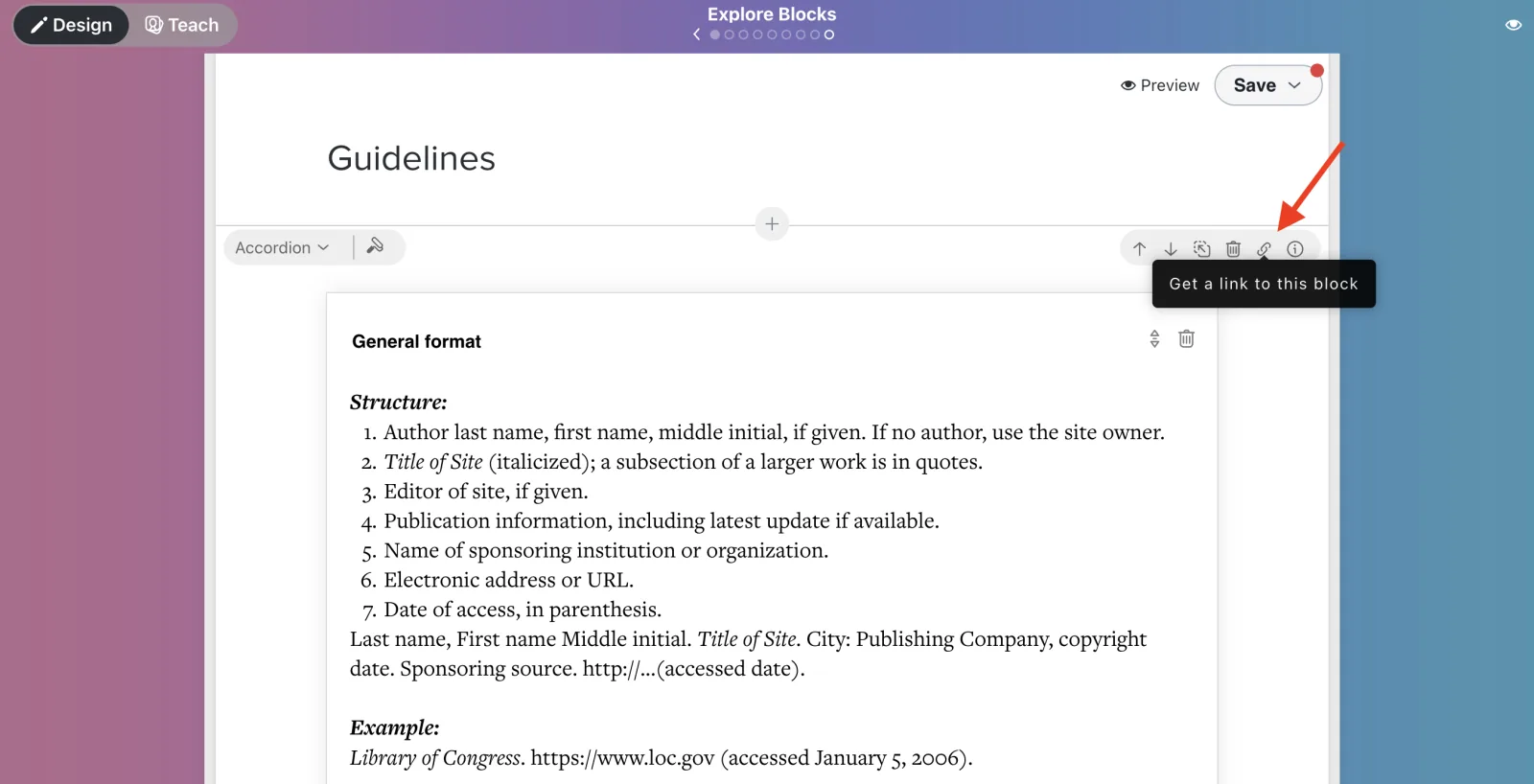
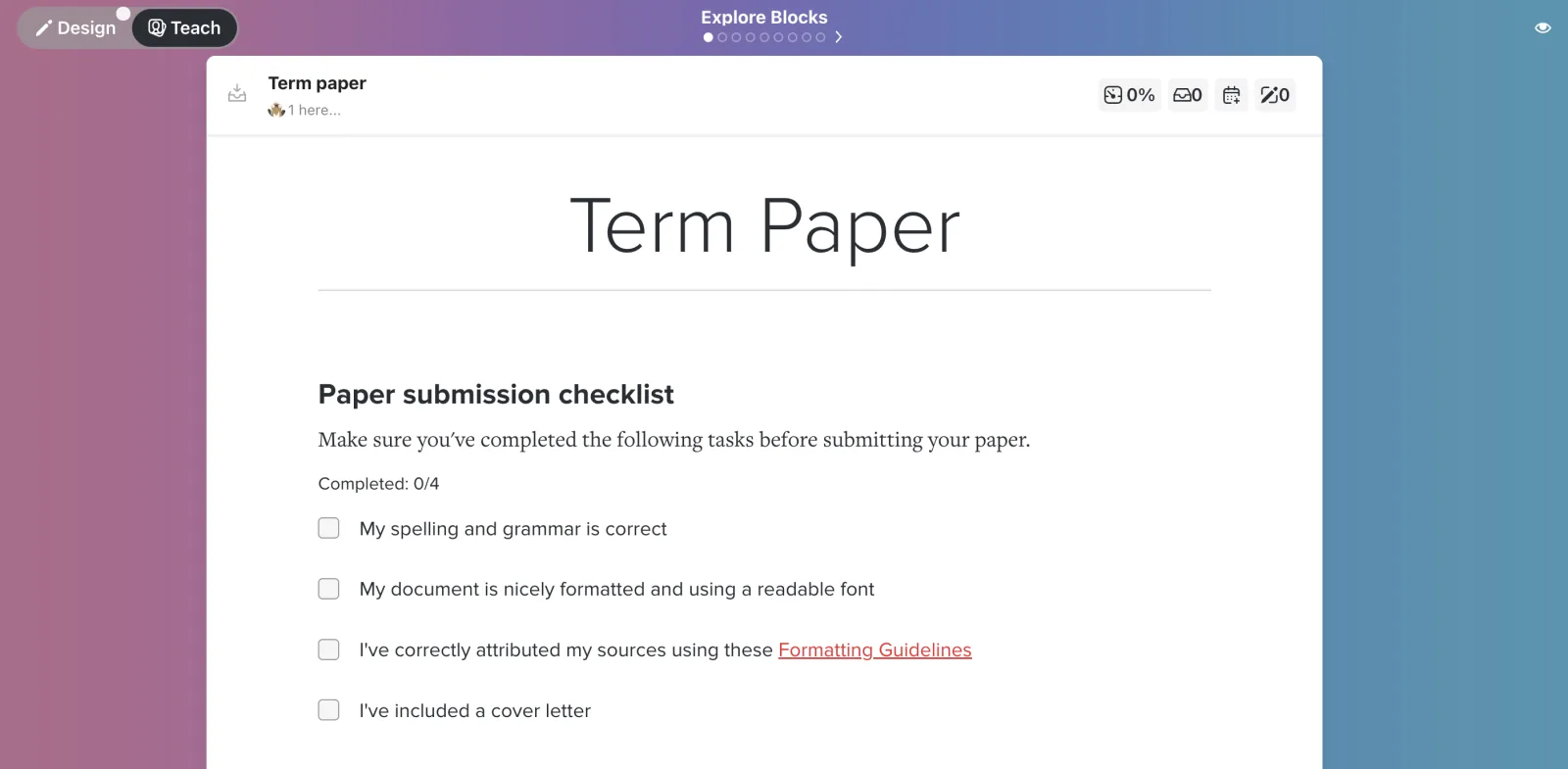
That link can be pasted anywhere, including elsewhere in the path:
You can also create a generic link for a Block that will work in any Cohort.
- in a tasklist so learners can refer back to instructions earlier in the path
- in a quiz where one question builds on another
- to refer learners back to a specific video
- . . . and more!