
For everyone
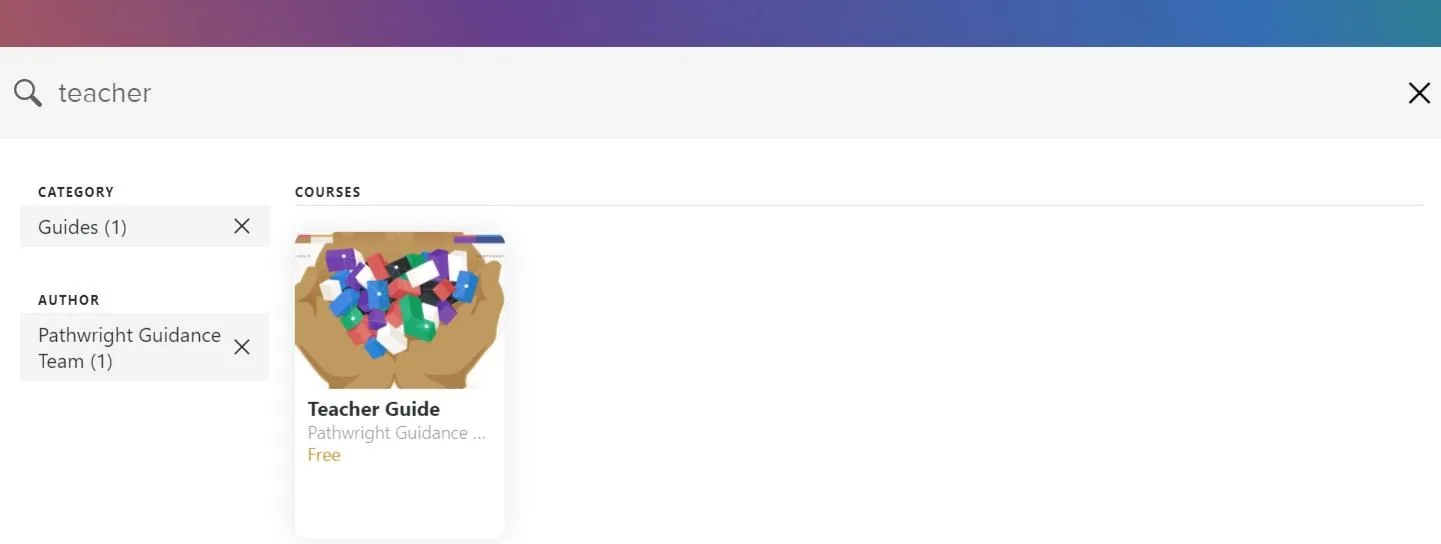
All accounts are now equipped with a search feature for the Library page. This allows anyone to search all the courses available to them in the Library.
Simply type in the search bar at the top of the Library page to begin a search.
In addition, you can apply multiple filters when searching. If courses have been tagged by category and author, you'll see all the relevant tags on the left side while searching. Select a category or author to narrow your search by that tag. Select the X to remove a filter.
It depends on course visibility and your role.
- Anyone can search public courses
- Account members can search all public and members-only courses
- Admins and library editors can search all courses in the account